Productivity
Best Business Intelligence Tools for January 2026: Complete Comparison Guide
Compare the best business intelligence tools for January 2026. Rankings based on setup time, query speed, natural language query, and real self-service.

Every BI vendor promises self-service, but most deliver filtered views of dashboards someone built three weeks ago. That's not analysis, that's browsing. We built Index so anyone on your team can ask questions in plain English and get answers in seconds, but we also know different teams have different needs. We assessed the tools shipping in 2025 based on what actually blocks your workflow: setup time, query performance, and whether non-technical users can use data without opening a ticket. The results might surprise you.
TLDR:
Modern BI tools force a choice between slow accuracy or fast hallucinations.
Setup time separates legacy tools (weeks) from agile platforms (minutes).
Natural language query eliminates SQL backlogs for non-technical users.
Index delivers sub-second performance with plain English questions and instant charts.
What are Business Intelligence Tools?
Let’s cut the corporate definition. At their core, BI tools are translation layers. They sit between your raw data (warehouses like Snowflake, Postgres, or piles of CSVs) and the human brain. Their single job is to turn rows and columns into something legible.
Dashboards. Reports. Metrics.
Without them, you are stuck writing SQL or guessing. With them, you aggregate millions of data points into a single trend line. That line tells you if you are growing or dying. It turns a silent database into an actual decision.
How We Ranked Business Intelligence Tools
The market is saturated. Separating functional tech from vaporware means ignoring the marketing gloss. We graded these tools based on constraints data teams actually face.
We assessed every solution against these specifics:
Time-to-Value: Setup in minutes or a six-month implementation?
Query Speed: Instant loads or infinite loading spinners?
Natural language: Can non-technical users get answers without SQL?
Connectivity: Native connections without complex ETL?
Pricing: Transparent costs or hidden behind a sales call?
There is no single winner. We focused on tools that solve for speed and agility over legacy bloat.
Best Overall Business Intelligence Tool: Index
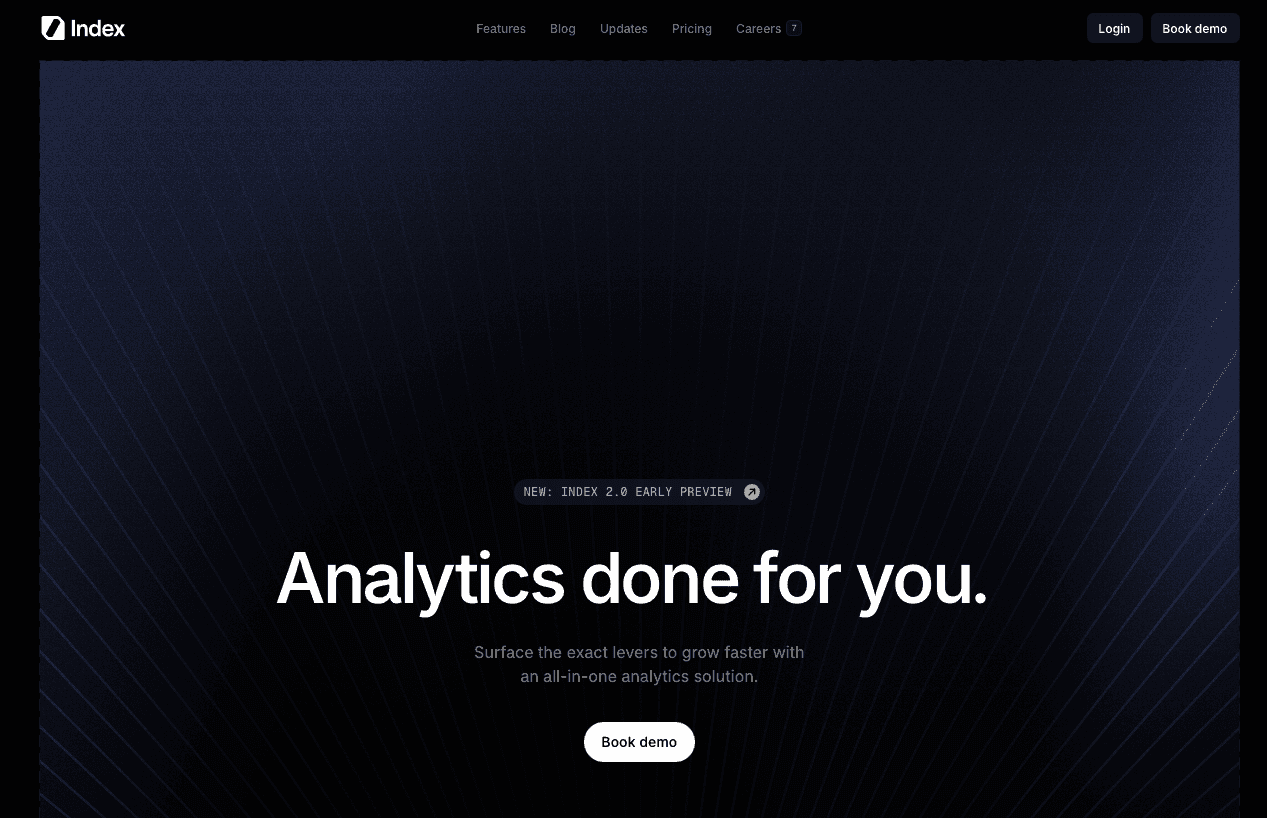
The BI backlog is where agility dies. Stakeholders wait days for simple SQL extracts while decision windows close. Index connects directly to your data (Snowflake, Stripe, Postgres) and allows anyone to ask questions in plain English, generating SQL and visualizations automatically.
What they offer
Index AI: Non-technical users ask questions in natural language; the system generates SQL and charts automatically.
Performance: Sub-second query speeds on large datasets with intelligent caching to reduce warehouse load.
Developer UX: Command palette, keyboard shortcuts, and dark mode for a familiar IDE-like experience.
Embedded analytics: Push white-labeled dashboards to your own customers with minimal engineering effort.
Good for: teams that want self-service BI without a heavy semantic modeling layer, especially SaaS companies on modern warehouses (Snowflake, BigQuery, Postgres) that need both analyst-grade SQL and natural-language exploration in one tool.
Limitation: best suited to cloud data stacks and teams comfortable centralizing in one modern BI layer; enterprises deeply invested in legacy tooling and rigid governance may face migration and change-management overhead.
Bottom line: Index blends natural-language querying with a developer-grade UX, shrinking BI backlogs so both technical and non-technical users get answers directly from the warehouse in seconds.
Tableau
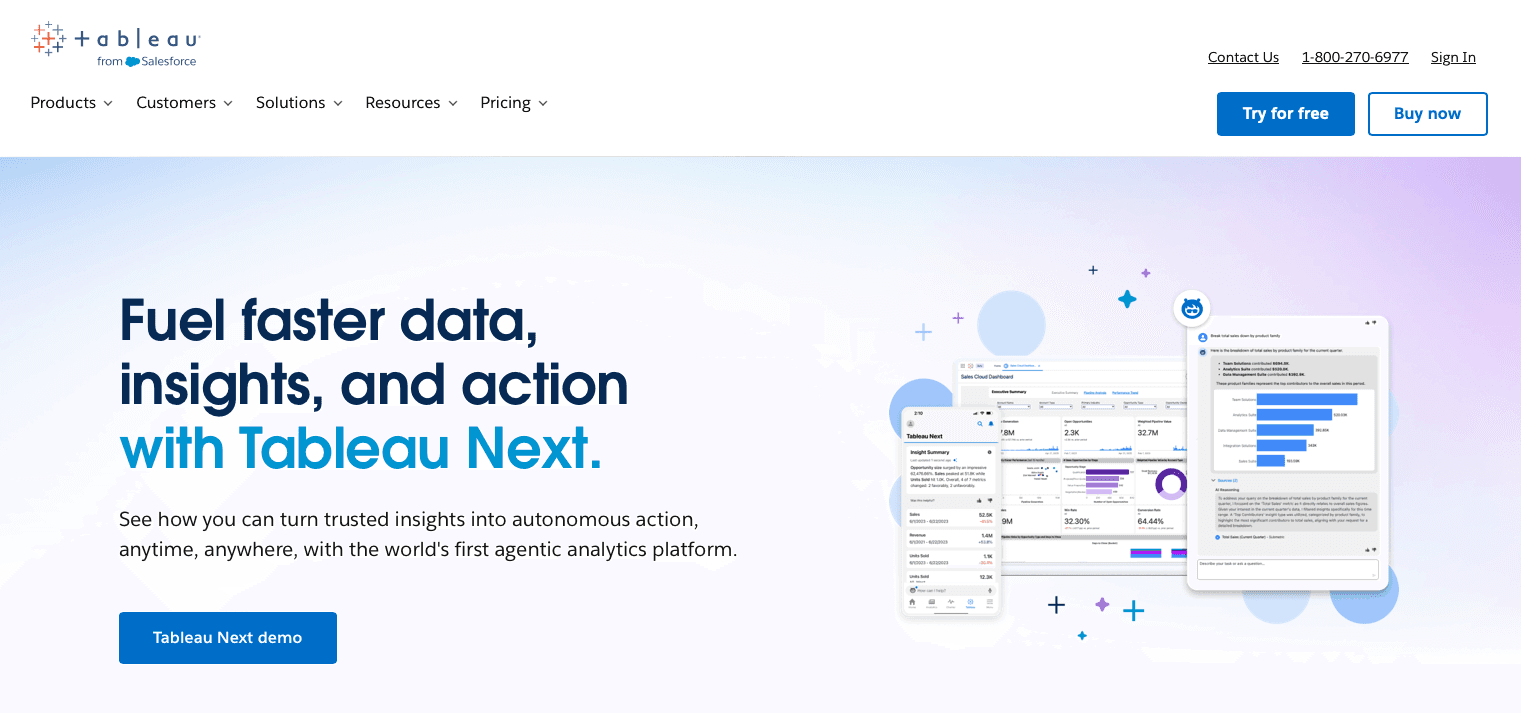
Tableau defined legacy BI. If you need a chart that defies standard geometry, you build it here. But that power comes with a lot of tax.
What they offer
Visual authoring: Desktop interface for complex, highly tailored visualizations.
Enterprise governance: Mature controls for permissions and content management.
Connector ecosystem: Extensive marketplace for data integrations.
Advanced logic: Proprietary calculation language for rich analytical expressions.
Good for: large enterprises with BI teams that need pixel-perfect dashboards, complex visuals, and formal governance over published content.
Limitation: desktop-first workflows and proprietary formulas create bottlenecks; configuration takes weeks or months, and only trained specialists can build and maintain complex dashboards.
Bottom line: Tableau is powerful but heavy ideal for design-rich enterprise reporting, but overkill for teams that want fast, self-service answers without maintaining a dedicated BI function.
Looker
Looker demands you speak its language. You must define business logic in code (LookML) before visualization. This semantic layer creates a single source of truth but requires heavy engineering lift.
What they offer
LookML modeling: Central, reusable metric definitions.
Version control: Git-based workflows for model changes.
Governance: Fine-grained access controls by model.
Embedded analytics: External dashboards and in-app experiences.
Good for: data-mature organizations that value a strict semantic layer and centralized metric definitions, supported by a data engineering team fluent in LookML.
Limitation: steep learning curve and dependency on developers; business users wait for new explores and fields, slowing iteration and re-creating BI backlogs.
Bottom line: Looker trades speed for control, great for centralized definitions, but slower for ad-hoc discovery compared with natural-language tools like Index.
Microsoft Power BI
Power BI wins on distribution, not merit. It is the default option for Microsoft shops.
What they offer
Azure connectivity: Native links into Microsoft data services.
DAX language: Powerful formulas for complex measures.
Deep embedding: Fits inside Excel and Teams workflows.
Bundled pricing: Frequently included in enterprise Microsoft contracts.
Good for: organizations standardized on Microsoft 365 and Azure that want BI tightly integrated with existing tools and licensing.
Limitation: the interface feels dated; performance can degrade on large datasets, and DAX adds a lot of complexity, forcing teams to spend time tuning models and debugging formulas.
Bottom line: power BI is the convenient default for Microsoft shops, but teams that care more about speed, simplicity, and modern UX often outgrow it in favor of lighter natural-language-driven tools.
ThoughtSpot
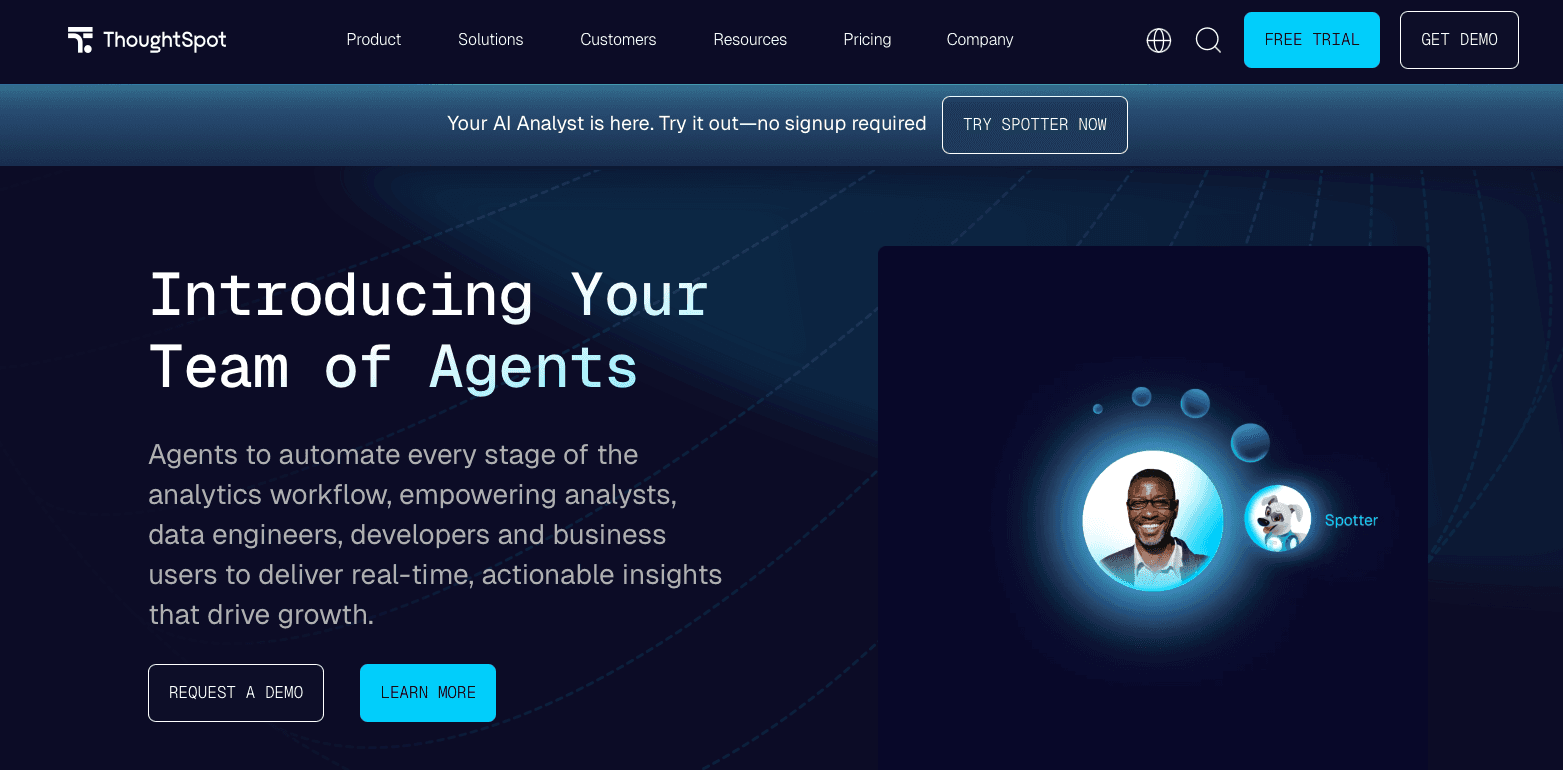
ThoughtSpot bet everything on search. Think "Google for your data." Users type keywords to build charts instead of relying on static dashboards.
What they offer
Search-driven analytics: Users type business keywords to generate charts.
SpotIQ: Automated anomaly and trend detection.
Embedded search: SDKs to add search bars into external apps.
Mobile-first: Strong experience for on-the-go consumption.
Good for: teams that like search as a mental model and have resources to carefully curate and map business terms to their underlying schema.
Limitation: search relies on extensive upfront mapping and precise keywords; without rigorous modeling, results can be incomplete or misleading, and there is limited true semantic understanding of intent.
Bottom line: ThoughtSpot can shine when keyword mapping is done well, but it demands a lot of modeling effort, whereas Index focuses on intent-based natural language that works with far less setup.
Mode Analytics
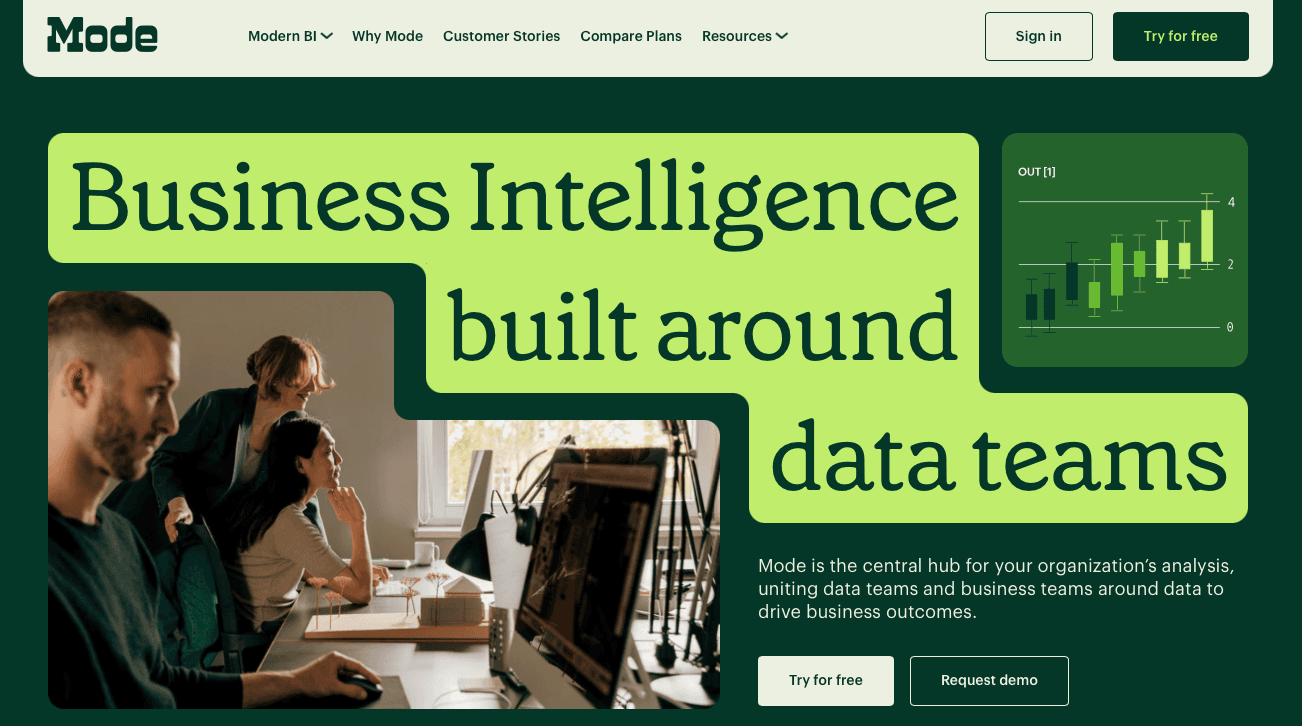
Mode abandoned drag-and-drop to lean entirely into code. It functions as a collaborative IDE for analysts who prefer writing queries.
What they offer
SQL notebooks: Organize and iterate on queries.
Python & R: Run advanced analysis on top of query results.
Collaborative sharing: Share workspaces, reports, and histories.
Good for: data teams that live in SQL and notebooks, need advanced modeling, and want a central place to collaborate on analytical workflows.
Limitation: non-technical users are effectively locked out; lack of intuitive self-service forces business teams to file requests and wait for analysts, recreating the BI backlog.
Bottom line: Mode is excellent for analysts and data scientists but poor for broad self-service, making it a complement, not a replacement to natural-language BI for stakeholders.
Metabase

Metabase is the default choice when your budget is zero. It provides open-source BI with a simple builder.
What they offer
Visual builder: Point-and-click filters for basic questions without SQL.
Self-hosting: Run on your own infrastructure for security and control.
Subscriptions: Scheduled email reports and alerts.
Open-source edition: Zero license cost software.
Good for: startups and technical teams who want a free, self-hosted BI layer and are comfortable managing infrastructure and writing SQL for complex use cases.
Limitation: “Free” moves cost to engineering; you own hosting, scaling, and upgrades, and complex analysis often falls back to manual SQL as the visual builder hits its limits.
Bottom line: Metabase is a strong entry-level option when cash is scarce and engineers have time, but it becomes fragile and labor-intensive at scale, where tools like Index offer faster, AI-assisted self-service.
Feature Comparison Table of Business Intelligence Tools
Sales decks lie. Vendors pad feature lists with capabilities that require months of configuration to activate. We stripped away the marketing noise to compare these tools on what actually impacts your workflow: speed, accessibility, and maintenance.
Feature | Index | Tableau | Looker | Power BI | ThoughtSpot | Mode | Metabase |
|---|---|---|---|---|---|---|---|
Natural Language Query | Yes | No | No | No | Yes | No | No |
Setup Time | Minutes | Weeks | Weeks | Weeks | Weeks | Days | Days |
Real-Time Collaboration | Yes | No | No | No | No | Yes | No |
Yes | Yes | Yes | Yes | Yes | Yes | Yes | |
Pre-Built SaaS Metrics | Yes | No | No | No | No | No | No |
Cloud Warehouse Integration | Yes | Yes | Yes | Yes | Yes | Yes | Yes |
Sub-Second Performance | Yes | No | No | No | Yes | No | No |
Simple Per-Seat Pricing | Yes | No | No | Yes | No | No | Yes |
Why Index is the Best Business Intelligence Tool
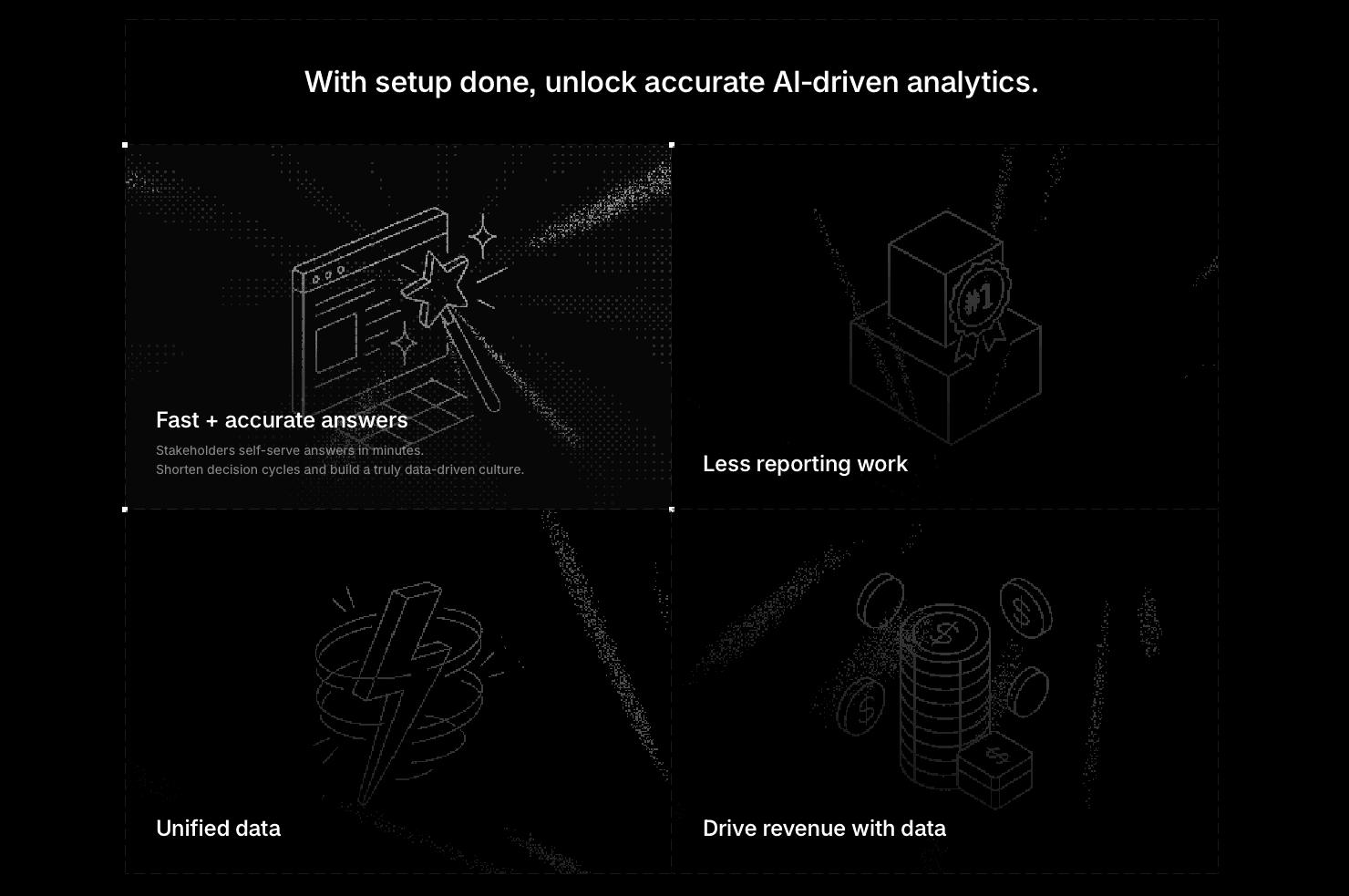
Most tools force a choice. You get technical depth that requires engineers, or simple tools that break at scale. Index rejects that binary. We deliver raw SQL power for analysts and a natural language interface for everyone else.
"Self-service" is often a lie. It usually means filtering charts built three weeks ago. That isn't analysis. It's browsing. With Index, users ask plain English questions and get charts in seconds. No tickets. No backlog.
In a global market of heavy implementations, speed wins. Setup takes minutes. The data team stops acting as a help desk and starts acting like architects.
Final Thoughts on Business Intelligence Tool Selection
BI tools should accelerate decisions, not create bottlenecks. Index removes the SQL dependency by letting users ask questions in plain English while giving analysts full query control. Speed wins when stakeholders stop waiting days for simple extracts. Assess tools based on time-to-value, not implementation timelines.
FAQs
How do I choose the right BI tool for my team size and technical skills?
Match the tool to your actual constraints: teams under 50 with limited SQL skills should focus on natural language interfaces like Index or ThoughtSpot; mid-size teams (50-200) with dedicated analysts can handle Mode or Looker if they need code-based control; enterprises above 500 often default to Tableau or Power BI for governance, but expect months of setup and specialist dependencies.
Which BI tool works best for fast setup without sacrificing query performance?
Index and ThoughtSpot both deliver sub-second query speeds with minimal setup time (minutes to days), while legacy options like Tableau, Looker, and Power BI require weeks of configuration and often suffer performance issues on large datasets, if you need answers today instead of next quarter, avoid tools that demand heavy upfront modeling.
Can non-technical users actually use data without writing SQL?
Only if the tool offers true natural language query, instead of just pre-built dashboard filters, Index and ThoughtSpot allow plain English questions that generate charts automatically, while Tableau, Looker, Power BI, Mode, and Metabase all require either SQL knowledge or dependency on analysts to build every new view.
What's the real cost difference between open-source and commercial BI tools?
Metabase appears free but costs engineering time for hosting, updates, and performance tuning; commercial tools like Index offer transparent per-seat pricing while Tableau, Looker, and ThoughtSpot hide costs behind sales calls and enterprise contracts, calculate total cost including implementation hours and ongoing maintenance, instead of just license fees.
When should I consider switching from my current BI solution?
If your data team spends more time running reports than building analysis, if stakeholders wait days for simple questions, or if setup took longer than two weeks and you still can't self-serve, these signal your tool focuses on control over speed, and faster alternatives now exist that don't sacrifice accuracy.